

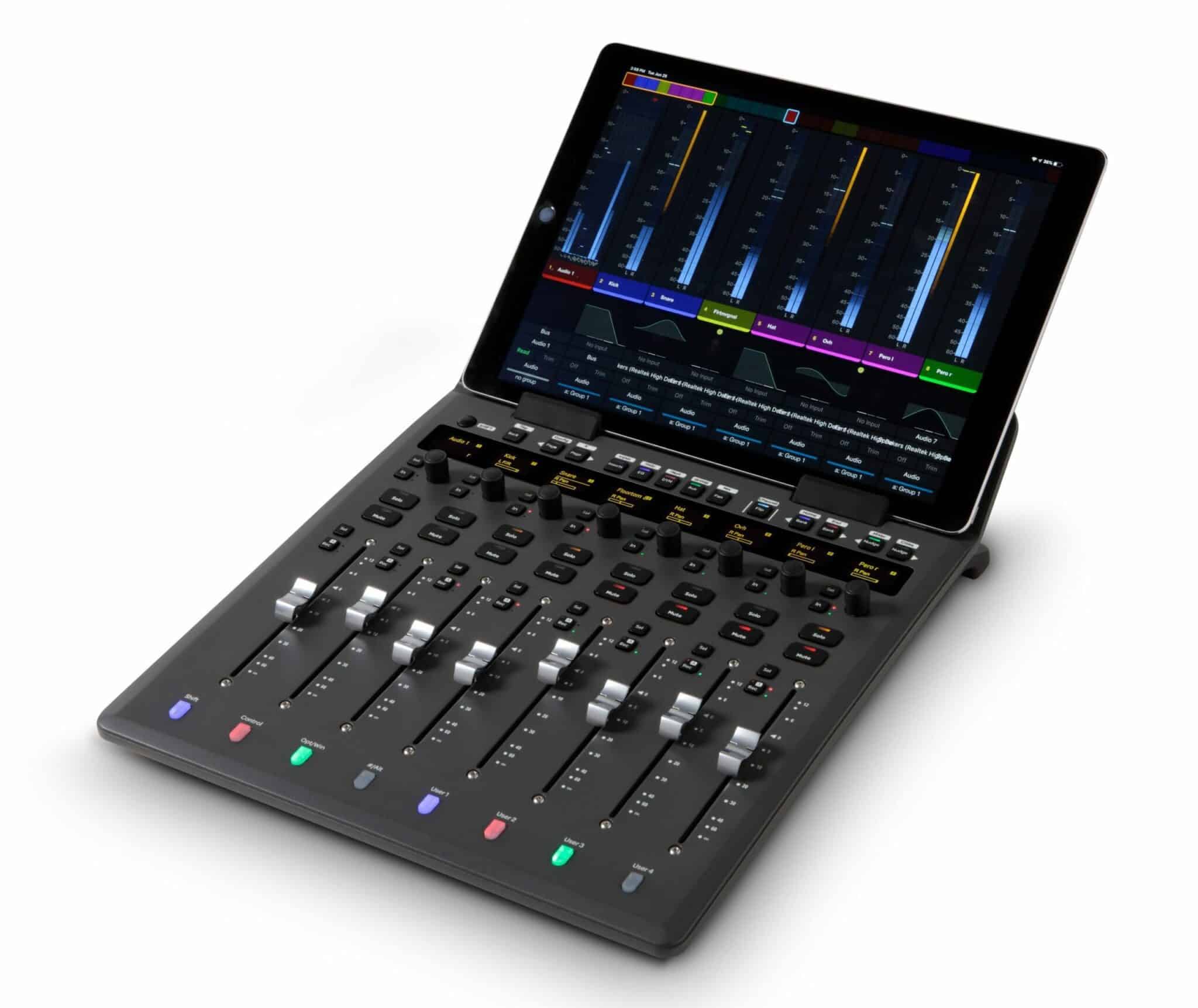
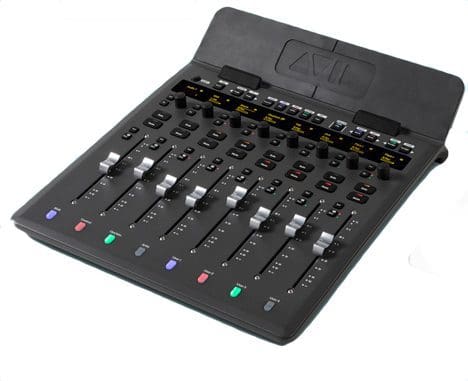
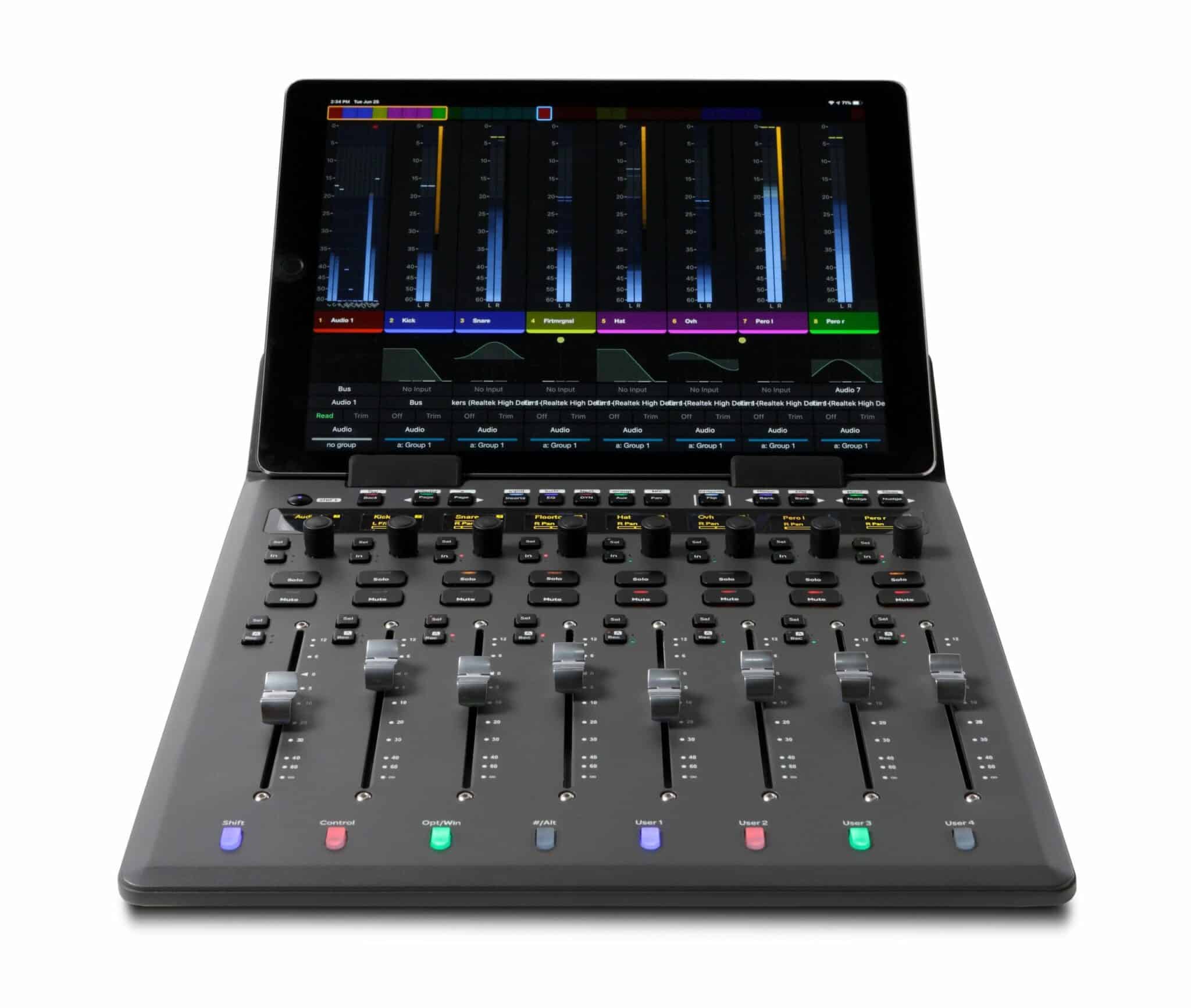

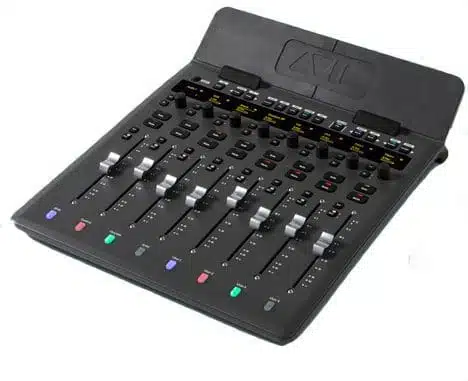

Avid S1 Control Surface er en kompakt kontrolflade, der giver en dybdegående hands-on-kontrol af din foretrukne lyd- og videosoftware. Baseret på den populære Avid S3 leverer S1 samme intuitive interface og omfattende visuel feedback i en strømlinet pakke. S1 er ideel til producenter, teknikere og lyddesignere og har alt, hvad du har brug for, for at forbedre din arbejdsgang og levere gode mix hurtigere end nogensinde. Avid S1 kan bruges standalone, men kommer rigtigt til sin ret når den sættes sammen med en iPad og Avid Audio App hvor man får det fulde overblik. (denne konfiguration er vist på billederne.
Get your mix all the way to your fingers
Bliv ikke snydt af den kompakte form: S1 er fyldt med mixværktøjer, der hjælper dig med at opnå fuld kontrol, selv om prisen er lav. Her er både motoriserede fadere, berøringsfølsomme knapper og programmerbare softkeys, så du kan udføre komplekse opgaver med et enkelt tryk. S1 giver dig total taktil kontrol over din musik, post-produktion eller videoprojekt.
Med S1 kan du mute og solo tracks, redigere plug-ins, route lyd og skrive automatisering med enestående hastighed og præcision, så du bruger mindre tid på at klikke og mere tid på mix og kreativitet.
Den let tilgængelige berøringsskærm understøtter VCA-spill-funktion og skærmstyring, hvilket giver dig total praktisk kontrol over alle aspekter af din session. Med Tracks View kan du øjeblikkeligt hoppe til ethvert spor, mens Mix View giver dig mulighed for at scrolle gennem flere kanaler på én gang. Og med support til brugerdefinerede layout kan du indrette S1, så de passer til enhver arbejdsgang.
WORKING WITH SOFTWARE
Avid S1 is based on EUCON, Avid's high-speed Ethernet control protocol that is far superior to traditional MIDI control surfaces. The S1 offers full touch control for Pro Tools and Media Composer, plus native support for third-party audio and video applications including Logic Pro, Cubase, Premiere Pro and more. You can even switch between multiple applications at the touch of a button - perfect for complex post-production projects. Need more control? Connect multiple S1 devices to handle large mix sessions.
Advanced monitoring capabilities
The S1 offers the same flexible monitor controls as the S6 in a compact package that fits neatly between your monitor and keyboard. Quickly assign and control talkback, listenback and speaker sources and levels directly from the S1. And with high-resolution on-screen monitoring of gain, automation status, EQ, dynamics and panning, the S1 offers the big picture view of your project so you can make more informed mix decisions. Expand the possibilities further with the free Pro Tools | Control App for iPad, offering Avid S6-style viewing and monitoring.
Supported Mackie Control/HUI-enabled applications
Ableton Live
Cockos REAPER
Propellerhead Reason
S1 surface details**
Faders
Eight motorised, touch-sensitive, 100 mm long-throw faders
Knobs
Eight push-top, touch-sensitive rotary encoders
Additional controls
Assorted hardware buttons/keys for various functions and mode selections, including Mute, Solo, Record-enable, Bank, Nudge, and more
Software interface
Supports the free Pro Tools | Control app running on iPad (iPad not included), providing touchscreen control, project navigation, macro triggers, and more
Displays
Eight high-resolution OLED displays, plus multiple status LEDs and multicolour track buttons; channel metering, monitoring, processing, track status, automation modes, and other views provided by Pro Tools | Control on iPad
Height (front, rear)
29 mm, 97 mm
Width
312 mm
Depth
377 mm
Scalability
Connect up to four S1 controllers together, plus Pro Tools | Dock, to create an extended, fully integrated surface