







Using EQ
Equalisers have undergone a very interesting evolution from their earliest use in telecommunications - to their current role in music production. The earliest equalisers were originally used to adjust audio signals in the transmission of sound in telephones and to achieve clearer speech. It was simply a matter of being able to amplify or attenuate certain frequencies to improve the sound quality in the phone.
Over time, equalisers began to find their way into the world of music production. Music producers discovered that they could shape the sound of instruments and vocals by using equalisers to manipulate the frequency response. This made it possible to customise the character of the sound and remove unwanted noise or resonances in recordings.
As technology evolved, analogue hardware equalisers were gradually replaced by digital EQ plugins. These digital plugins give music producers and sound engineers even more control and flexibility over their sound. They can easily be set up to adapt to different equalisation needs and create the desired sound character in a music production.
There is a wide range of EQ plugins available for digital audio stations (DAWs) and VST effects specifically designed to meet the needs of modern music production. These plugins allow you to fine-tune each track and create a clear and balanced sound in your music projects.
Different types of equalisers
There are three main types of equalisers that have different functions:
- Shelving equaliser: This type of equaliser is the simplest and consists of high and low frequency filters. The high-pass filter (HPF) removes the low frequencies below a certain centre point and the low-pass filter (LPF) removes the high frequencies above a certain centre point.
- Graphic equaliser: A graphic equaliser provides a visual representation of the audio frequencies and allows you to adjust individual frequency bands. Most graphic equalisers have 31 bands, each representing a specific frequency.
- Parametric equaliser: This type of equaliser provides the most detailed control over frequencies. A parametric equaliser can adjust three parameters: level (gain or attenuation), centre frequency and bandwidth.
Choosing an equaliser for different situations
The choice of equaliser depends on the specific situation. For example, if you need to remove noise from a percussion track, you can use a high-pitch filter. If you want to adjust details in a vocal, you can use a parametric equaliser.
Analogue vs. digital equaliser
You can choose between analogue hardware equalisers and digital EQ plug-ins. Analogue equalisers have analogue signal processing, while digital equalisers work digitally. Analogue equalisers are often considered to be more "warm" and "alive" in sound, while digital equalisers are more precise and flexible.
Using the equaliser in music production
Equalisers can be used for many different purposes in music production, including:
To remove unnecessary frequencies: For example, you can use a high-pass filter to remove noise from a bass track or a low-pass filter to remove the high frequencies from a drum track.
To emphasise certain frequencies: For example, you can use a boost function to emphasise the midrange frequencies in a vocal.
To create a specific sound character: For example, you can use an EQ to make a guitar brighter or a bass punchier.
It's important to use equalisers wisely, as too much EQ can ruin the balance of a soundscape. Start by making small adjustments and listen to the result to see if more adjustments are needed.
If you're looking for a professional digital EQ - take a closer look at some of these from our catalogue:
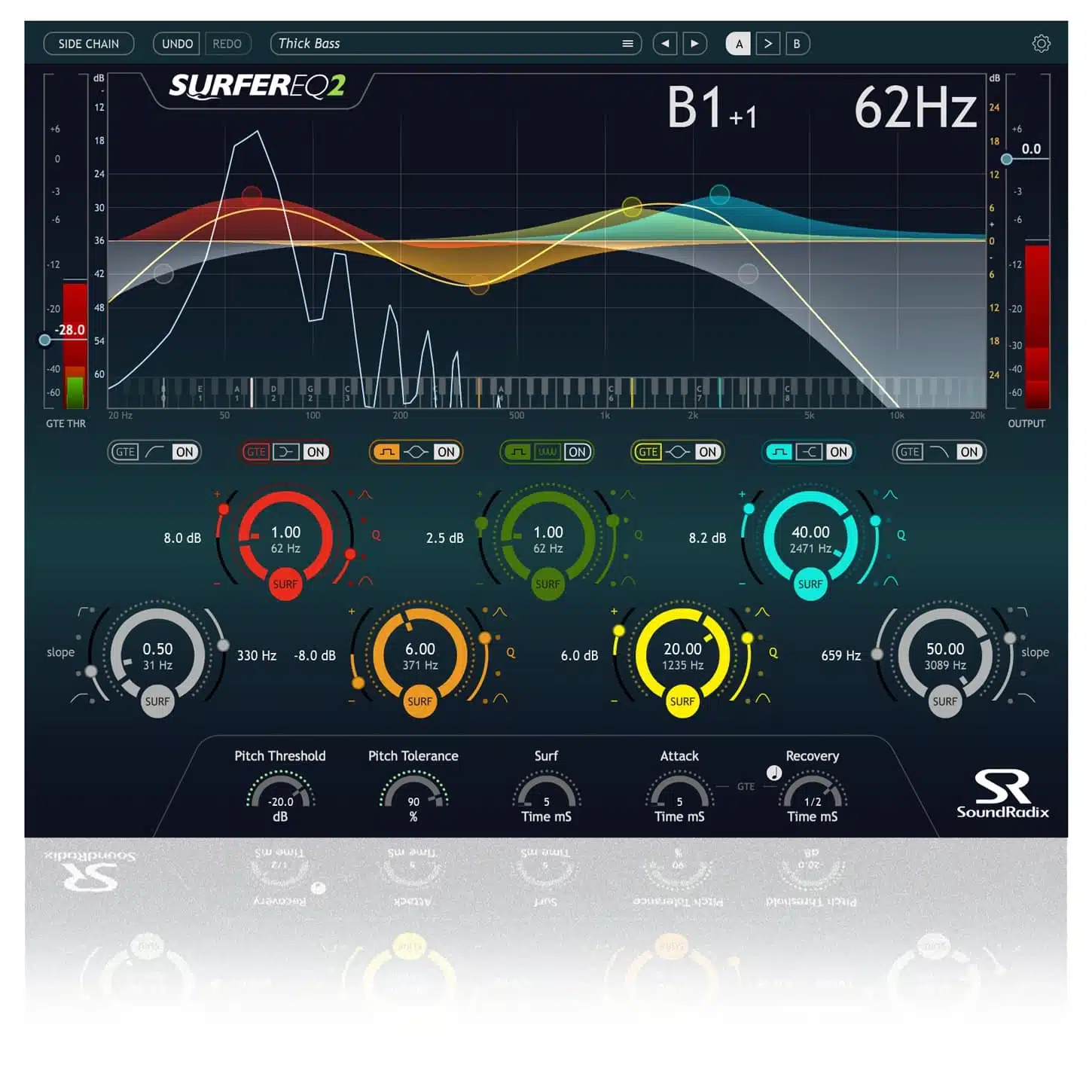
SurferEQ adapts the EQ frequency in real-time to the pitch of the instrument or vocal, giving you natural control over fundamental frequencies and harmonies. No complex settings required - it just works. Preserves the size and energy of the original recording, even with extreme changes. Try SurferEQ and create completely new sounds.
McDSP AE600 Active EQ Native v7
McDSP AE600 Active EQ HD v7 is a powerful HD-ready active EQ plugin with six bands. It works seamlessly with HD formats and can be run on host processing or DSP processors like McDSP APB or Avid HDX, reducing the load on your CPU.
McDSP AE400 Active EQ Native v.7
McDSP AE400 Active EQ HD v7 is a powerful HD-ready active EQ plugin with four bands. The AE400 Active EQ has four fixed bands that overlap, making it ideal for a variety of production techniques in music production, dialogue post-production and even live sound. Each band has an active gain control and a key filter function that allows you to adjust the response wide or narrow, depending on your needs.
UAD Manley Massive Passive EQ gives you the unique passive EQ experience with precise sound adjustment. You get both the standard and mastering versions, each with stepped values and different filter designs. Customise the four bands with adjustable frequency, bandwidth and gain. Includes low- and high-pass filters for total sound adjustment.
FabFilter Simplon is the ultimate filter plugin that delivers two high-quality multi-mode filters to transform your sound. With an interactive filter display, you get full control over the character and direction of your sound. Simplon is built for live use, making it the ideal tool for musicians on stage.
If you have any questions about sound, audio production or equalisers - get in touch with us at Cyberfarm.