




WaveLab is a premium audio mastering and editing software trusted by professionals worldwide. Known as “the Swiss army knife of audio processing,” it is a complete platform suited to any kind of creative audio work. Its comprehensive set of editing tools includes a wide range of real-time plug-in effects, offline processors and a full spectral editor, while VST 3 plug-ins from any manufacturer as well as external audio editors and hardware devices can be added to the workflow.
With different workspaces, such as the Audio Editor for refining single audio files, the Audio Montage for working with multiple clips and tracks, a powerful batch processor, and a complete Dolby Atmos mastering environment, WaveLab is an essential solution for any project where creative, high-quality sound is the priority.
An industry first
As the first Mastering DAW, WaveLab 13 introduces Dolby Atmos mastering, with intuitive tools for ADM file editing, loudness control, and album assembly. New plug-ins like MasterRig 2 and Vocal Chain expand creative possibilities, while multicore rendering and streamlined editing features ensure faster, more efficient production for immersive and stereo projects alike.
With more than 50 new features, WaveLab once again sets the standard in the world of mastering.
WaveLab Pro 13 | Top New Features
Mastering for Dolby Atmos
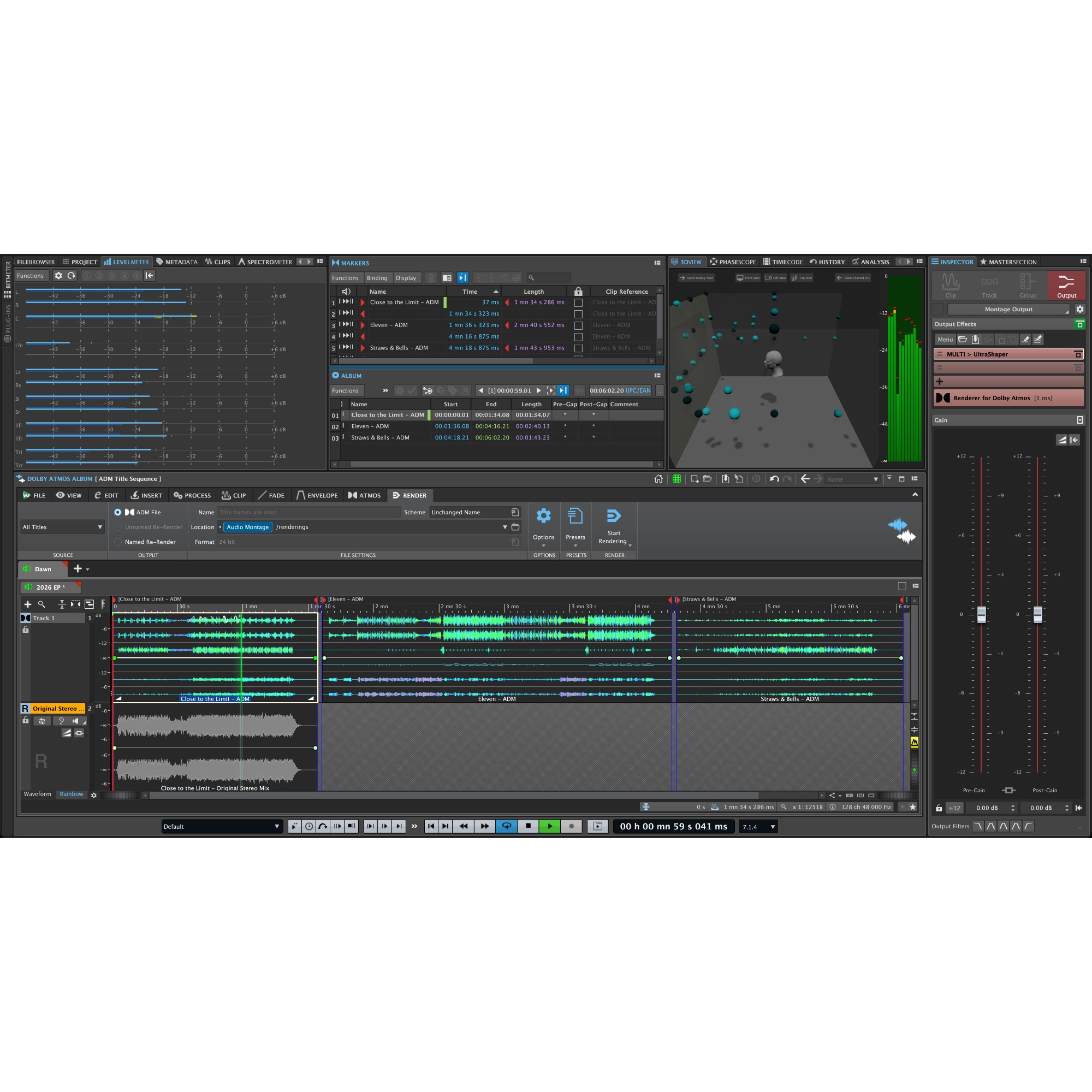
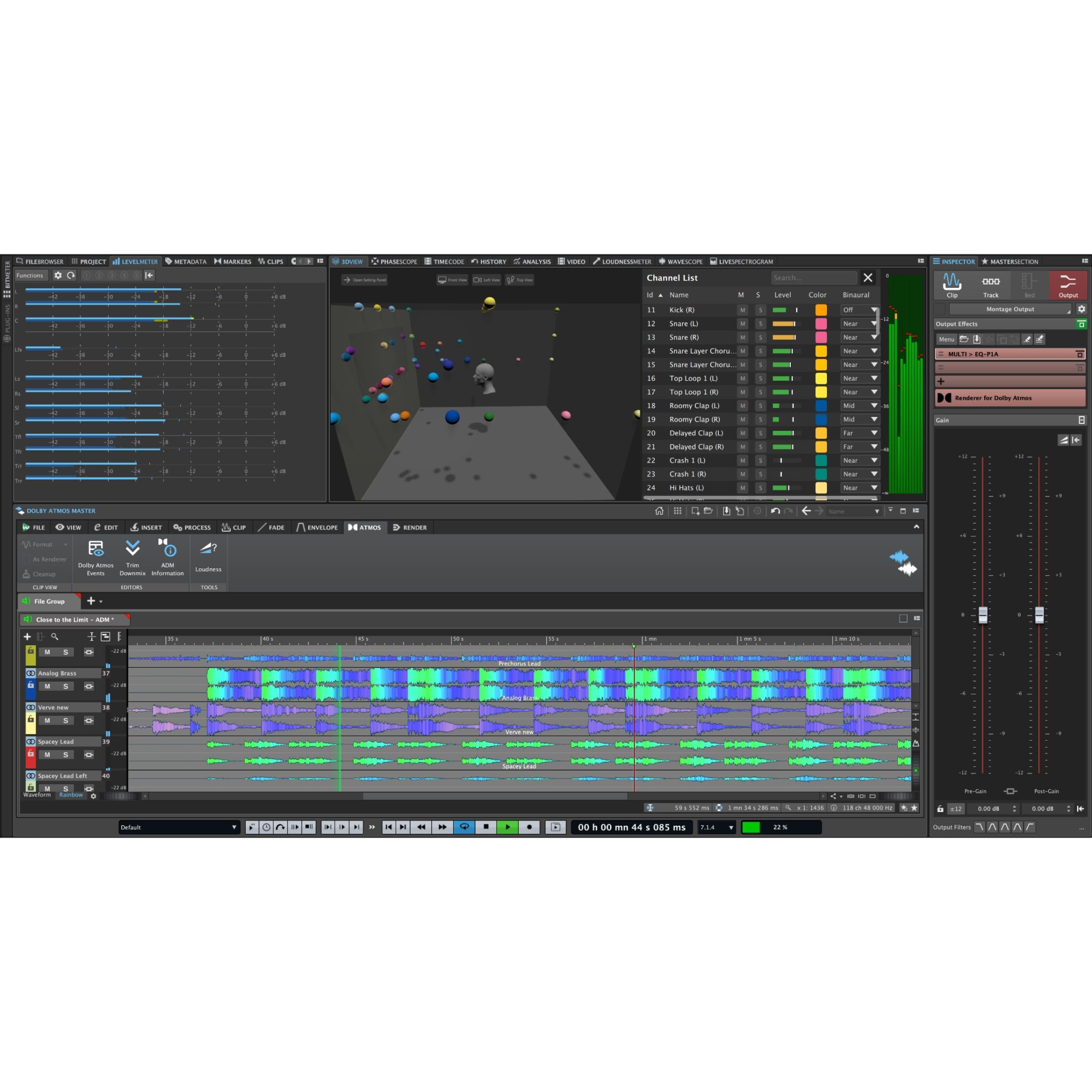
WaveLab Pro introduces an advanced yet intuitive workflow for Dolby Atmos mastering, which makes immersive audio production simple and efficient.
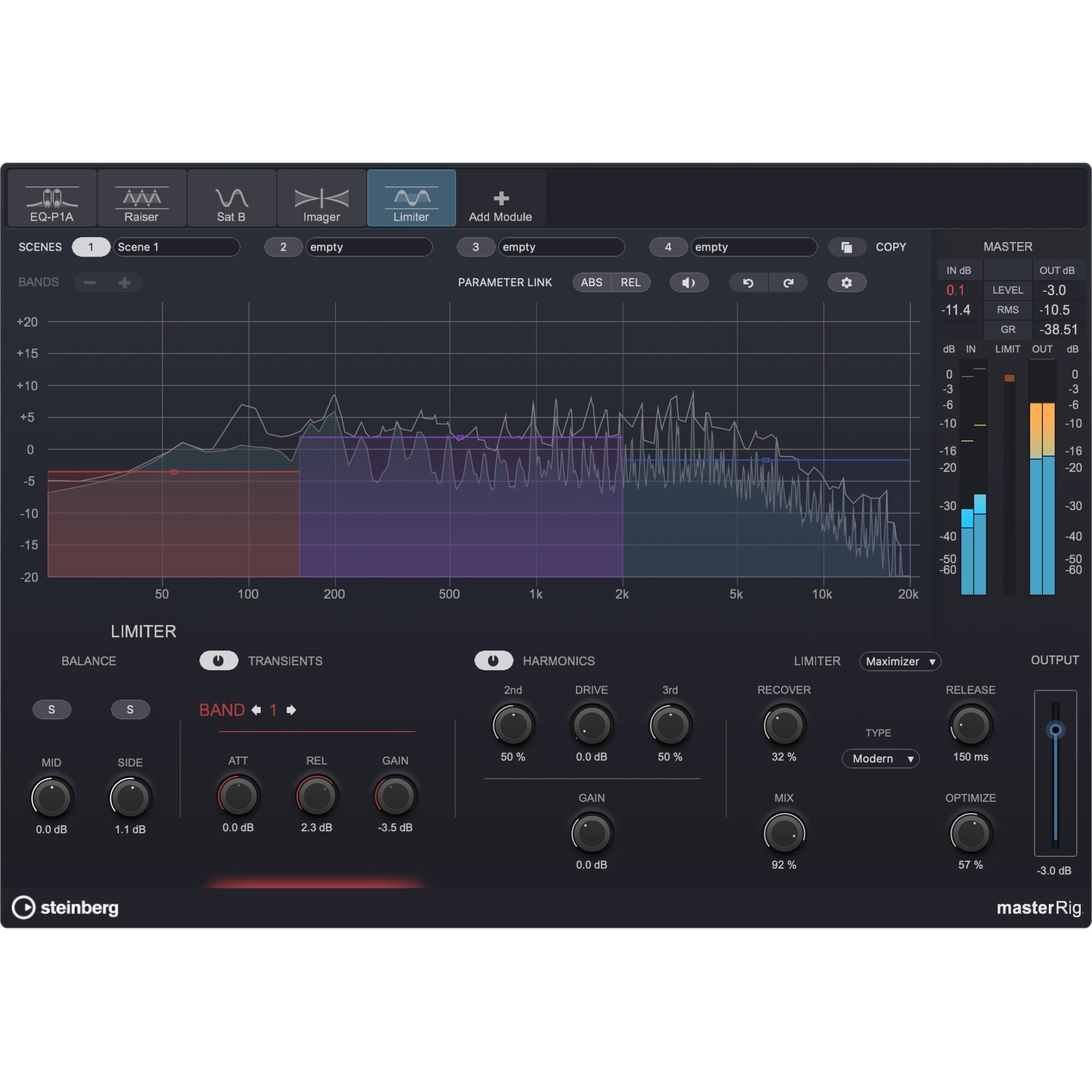
MasterRig 2
The next-generation mastering plug-in suite has undergone a major functional and graphical update,
Multicore Rendering
WaveLab 13 delivers dramatically faster workflows and unparalleled efficiency for complex projects.
Sidechain Support
Workflows for techniques like ducking and rhythmic processing are simplified, opening up new possibilities for detailed, expressive sound design.
New Plug-Ins
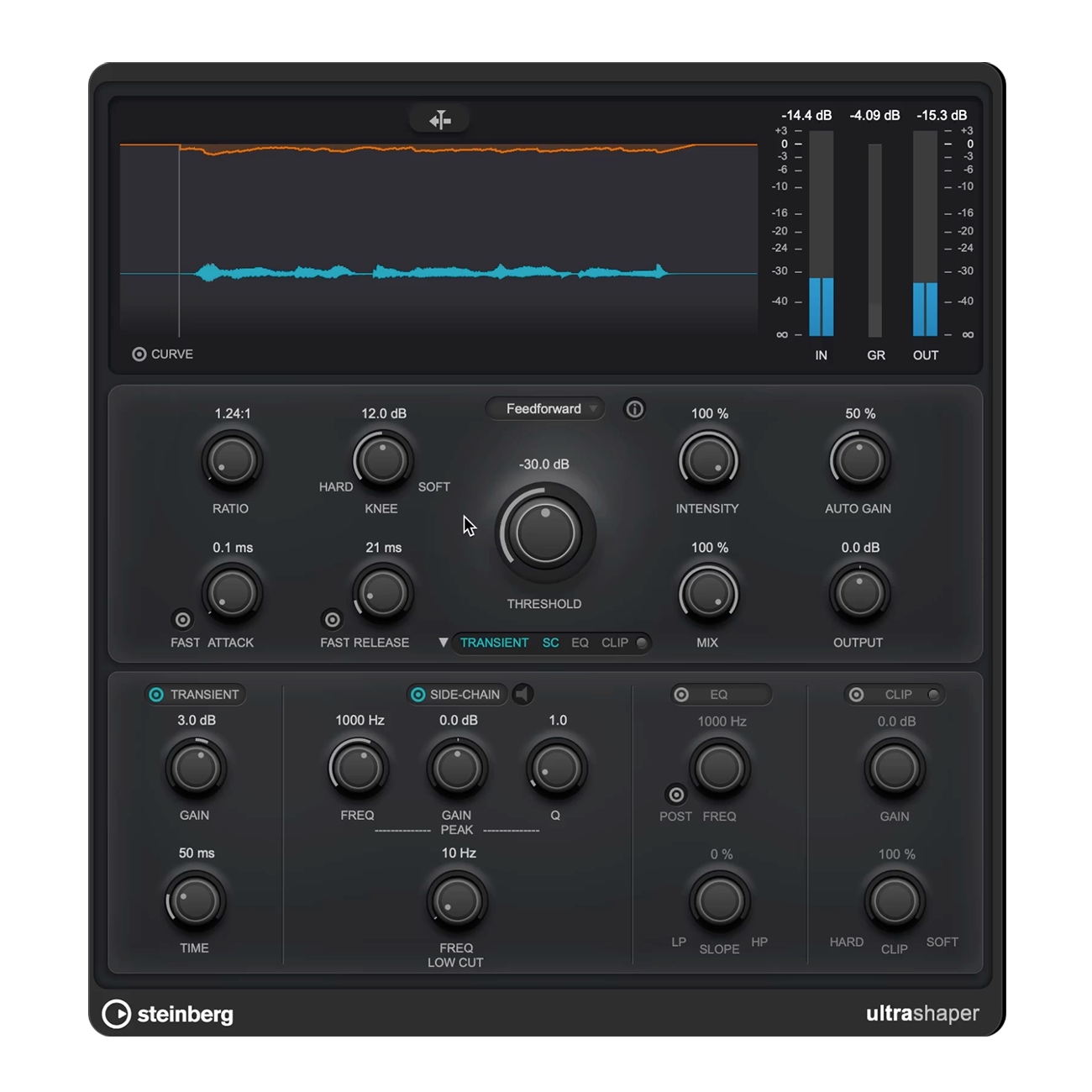
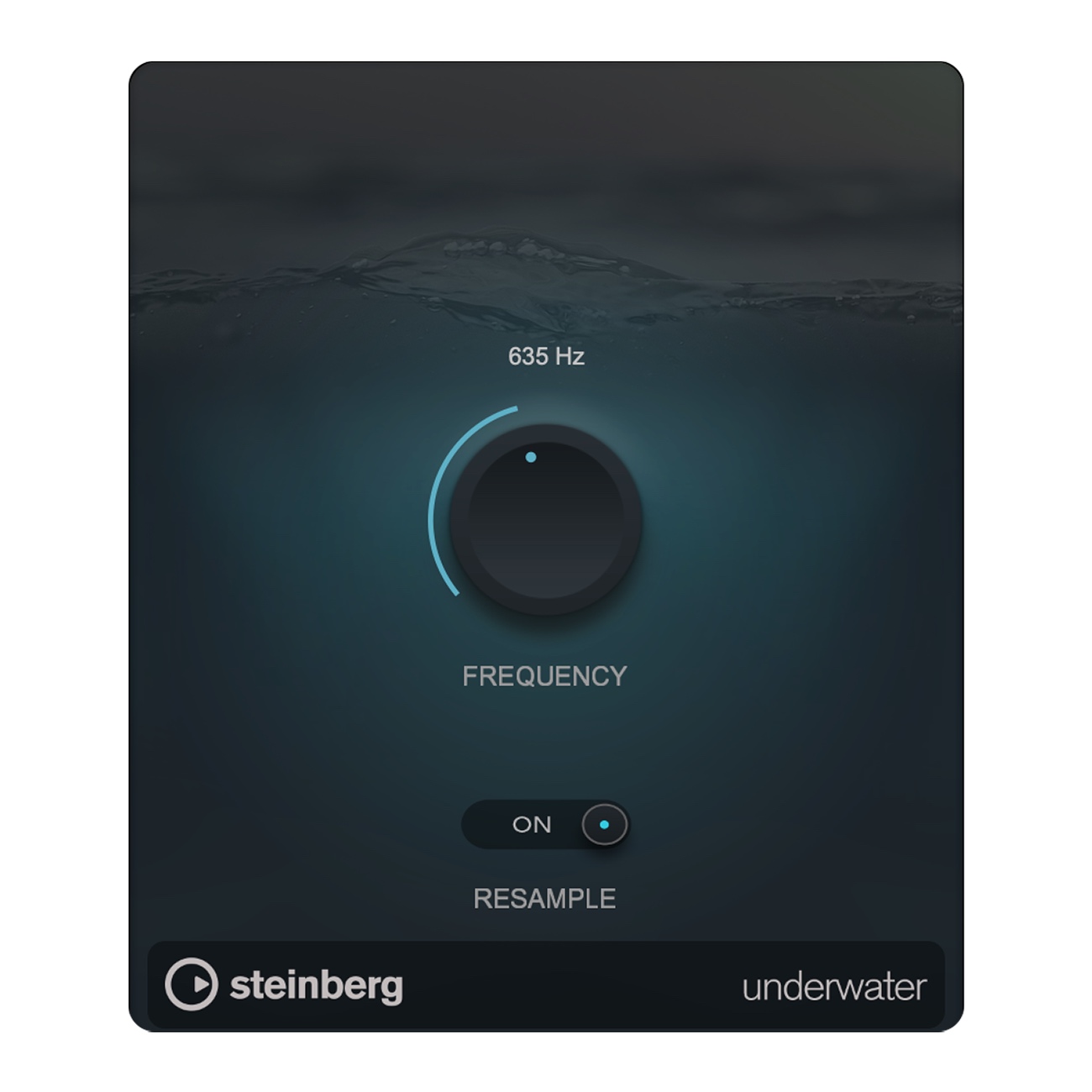
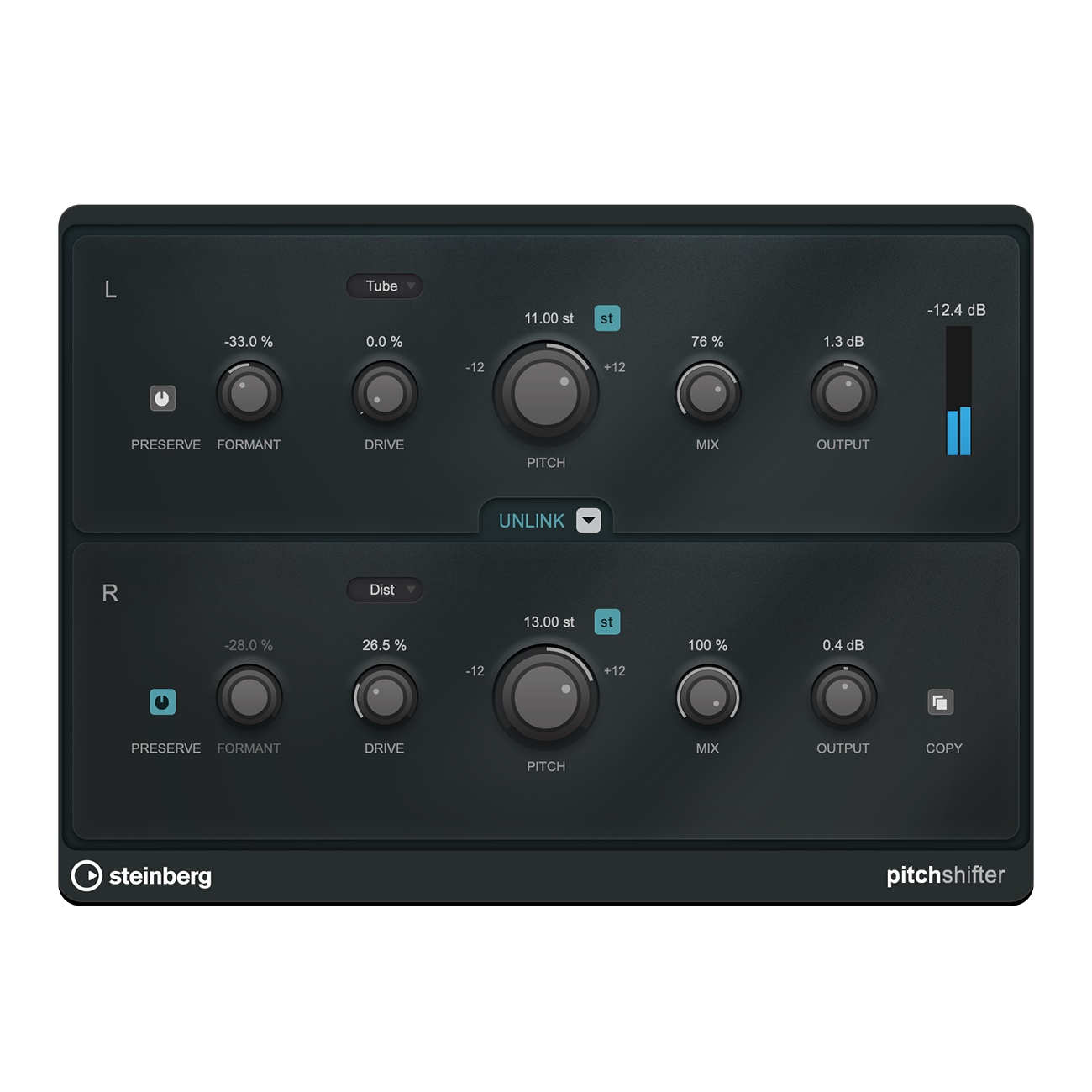
WaveLab 13 adds a number of important plug-ins: VocalChain, Underwater, UltraShaper and others.
15+ new features in the Audio Montage
Ranging from plug-in chain handling to new cólor and visualization options, WaveLab 13 adds a plethora of important functions to the Audio Montage.
Tab Synchronized Playback
Full A/B comparison of audio files and clips is now possible through WaveLab’s powerful multi-tab interface, ensuring a smooth and intuitive workflow.
Improved Waveform outlines on High-Res screens
Waveform outlines have been refined for better clarity and precision on high-resolution displays.
User-defined plug-in scaling
All stock plug-ins now support user-defined interface scaling, with adjustments such as +25% or +50%.
Color Management
WaveLab 13 introduces important improvements in color management to ensure an even better project overview.
Dolby Atmos
- ➢ Dolby Atmos Master Montage (single file ADM mastering)
- ➢ Dolby Atmos Album Montage (multi-file ADM mastering)
- ➢ Immersive Plug-In HUB enabling VST3 plug-ins to be inserted across up to 128 channels
- ➢ Sidechain support
- ➢ Loudness and TruePeak normalization for Atmos
- ➢ A/B comparison of a Stereo Track with an ADM fileWorkflow and Productivity
- ➢ Track plug-ins with sidechain capabilities can now have clip audio signals routed directly to them.
- ➢ Full A/B comparison of audio files across multiple tabs
- ➢ Automated color management
- ➢ Full Multicore-support for ultra-fast processing
- ➢ Envelope editing now offers new options for greater precision and efficiency
- ➢ Dynamic Clip toolbar for accessing clip-related menus instantlyNew Plug-ins
- ➢ MasterRig 2 – completely overhauled built-in mastering suite for WaveLab
- ➢ Vocal Chain – a state-of-the-art multi-effect tailored for vocal and speech processing
- ➢ Ultra Sharper – a dynamic processor merging advanced compression with transient shaping
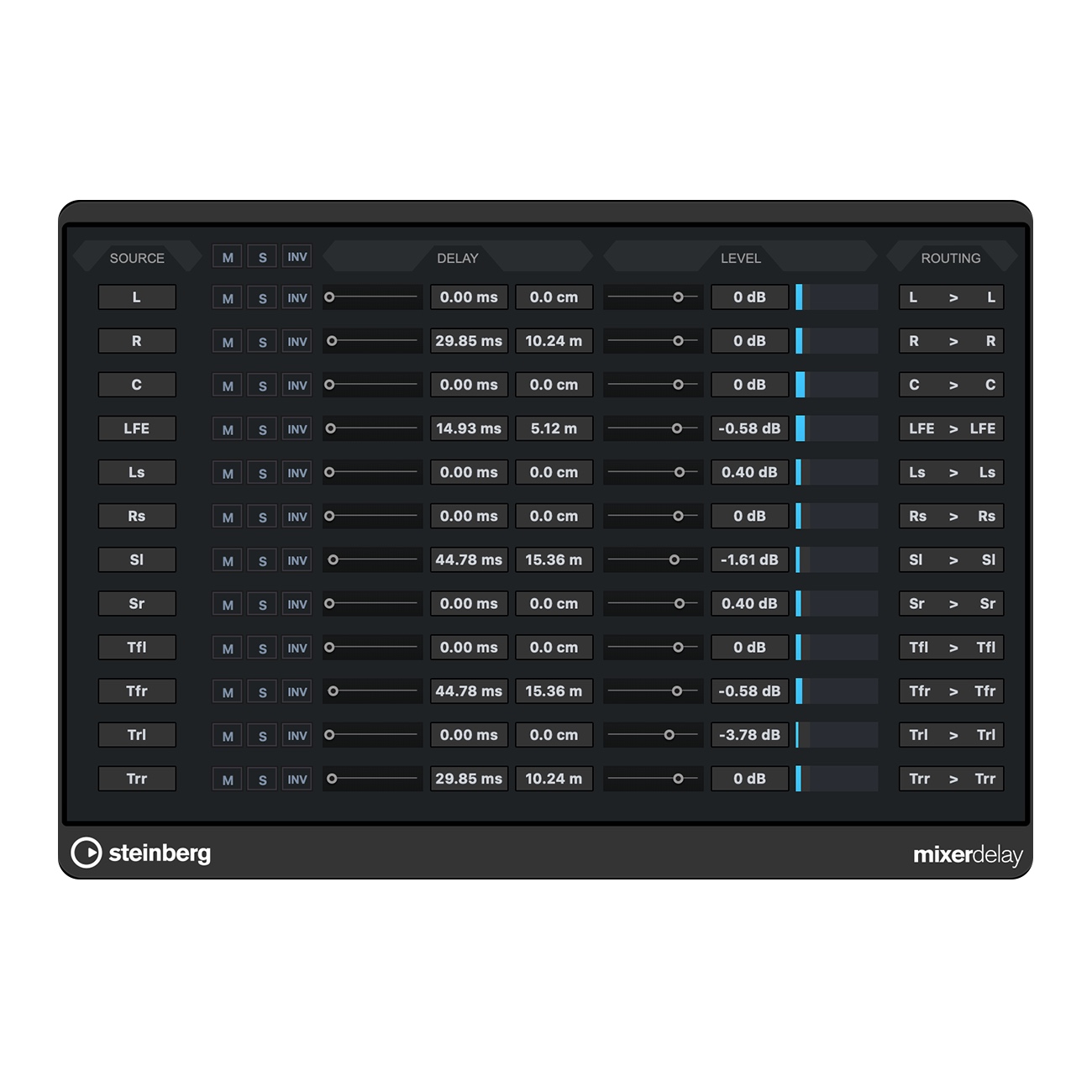
- ➢ MixerDelay aligns speaker channels by individually adjusting delay times
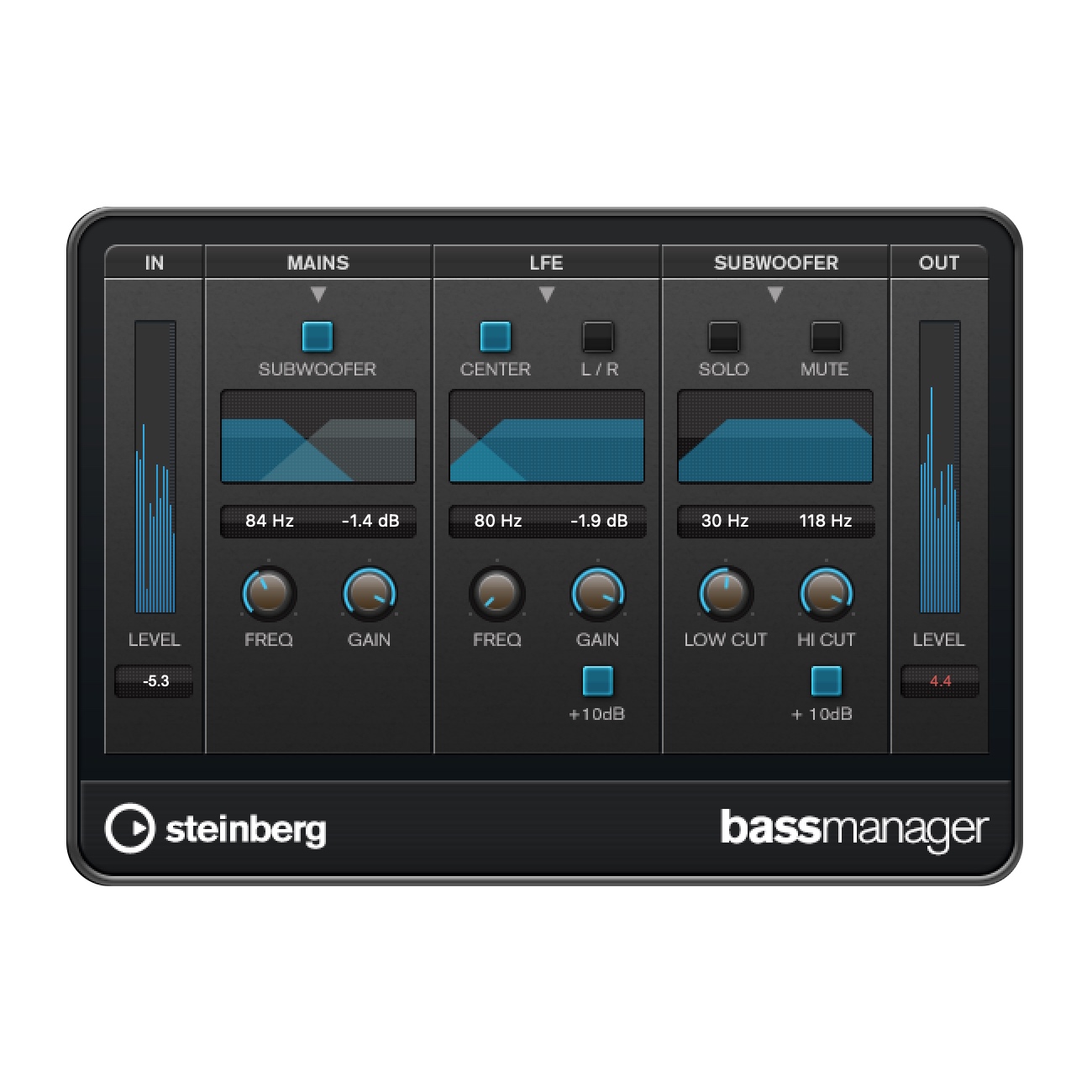
- ➢ Bass Manager for bass routing and crossover points in multi-channel monitoring environments
- ➢ Underwater plug-in to simulate the acoustic characteristics of submerged environments
Audio Montage improvements
- ➢ Apply an entire plug-in chain to all selected clips in one step.
- ➢ Files related to a reference track can be automatically added when insertingmultiple audio files in an audio montage.
- ➢ It is now possible to access clip-related menus instantly.
- ➢ The Clip Ribbon tab now organizes all clip-related functions.
- ➢ Two new rendering options have been added; All Title Stems and All Title Groups.
- ➢ Clip gain can be adjusted more easily using pop-up sliders.
- ➢ Reference clips will now stay aligned to their related main clips
- ➢ A new selection range which spans all tracks makes multi-track editing faster.
- ➢ A new search feature has been added.
- ➢ Reset all gain at once: clip, track and output.
- ➢ The color palette can be customized by several parameters.
- ➢ Random colors can be assigned to all tracks with a single command.
- ➢ All manually assigned colors can be removed at once.
- ➢ Color contrast and clarity for selected clips is improved.
- ➢ A new visual indicator highlights the active track.
- ➢ When inserting multiple audio files, the gap between clips can now be specified.
- ➢ Accidental edit when working with small track heights can now be prevented.Further improvements
- ➢ All stock plug-ins now support user-defined interface scaling.
- ➢ Time ranges can be directly selected from the marker ruler.
- ➢ Full file paths can be directly copied from any text source.
- ➢ Residual peak levels between two signals are now reported when minor differences exist
- ➢ Waveform outline have been improved for better clarity and precision.
- ➢ Plug-Ins can be removed from a slot by dragging them outside it.
- ➢ The Audio Processing Load bar now displayed percentage value.


